
Feature Configuration
Home Runtime
Home status cards, start and stop, queue, logs, assets, and remote display.
Home is the control console for the active profile. It shows runtime state, next task, queue, logs, remote display, and quick actions.
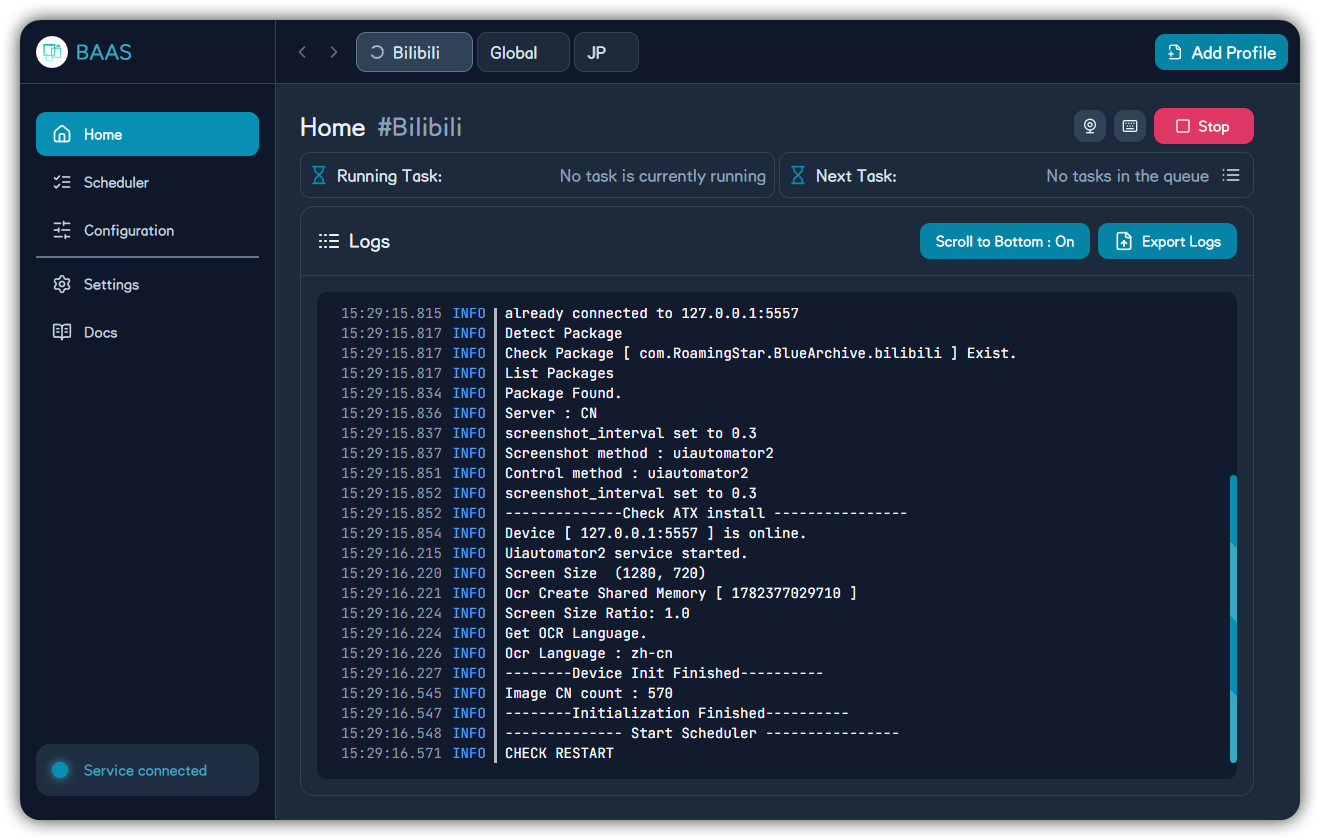
| Area | Purpose | Troubleshooting |
|---|---|---|
| Running task | Current backend task | If stuck, check whether logs continue |
| Next task | Scheduler's next planned task | Check enabled state if unexpected |
| Queue | Waiting tasks | Empty queue usually means no runnable task |
| Start/Stop | Control scheduler for this profile | Stop prevents further scheduled runs |
| Export logs | Export profile logs | Include this when reporting issues |
Remote Display
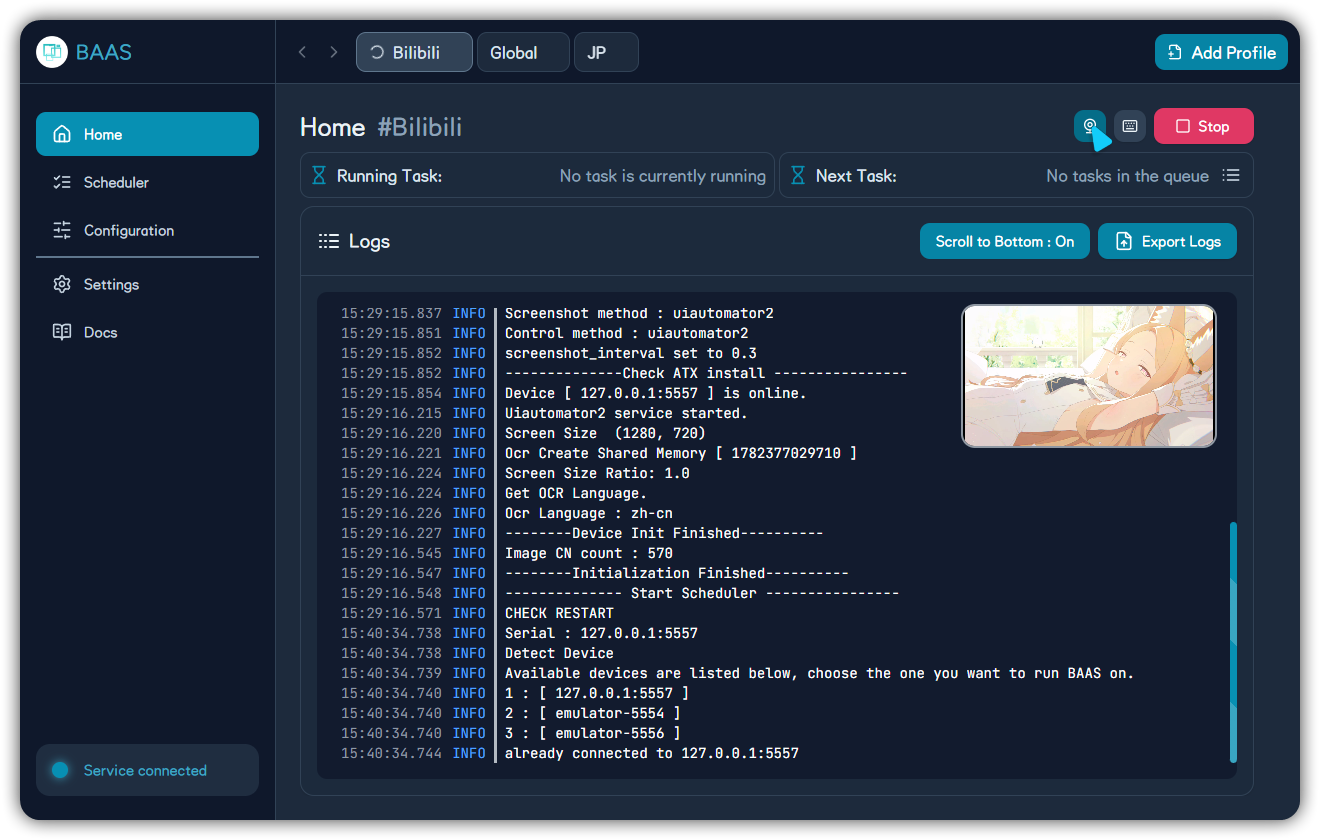
Remote display helps observe where the script is, but task reliability still depends on server, ADB, screenshot method, control method, and feature configuration.
First Run
Enable one low-risk task first. After logs, remote display, and resource changes look correct, gradually add sweeps, shop, crafting, arena, and other high-impact tasks.