
Profiles
Create, copy, import, export, delete, and name BAAS profiles.
A profile is the runtime boundary in BAAS. Server, ADB port, emulator path, script behavior, task configuration, and scheduler state all belong to the active profile.
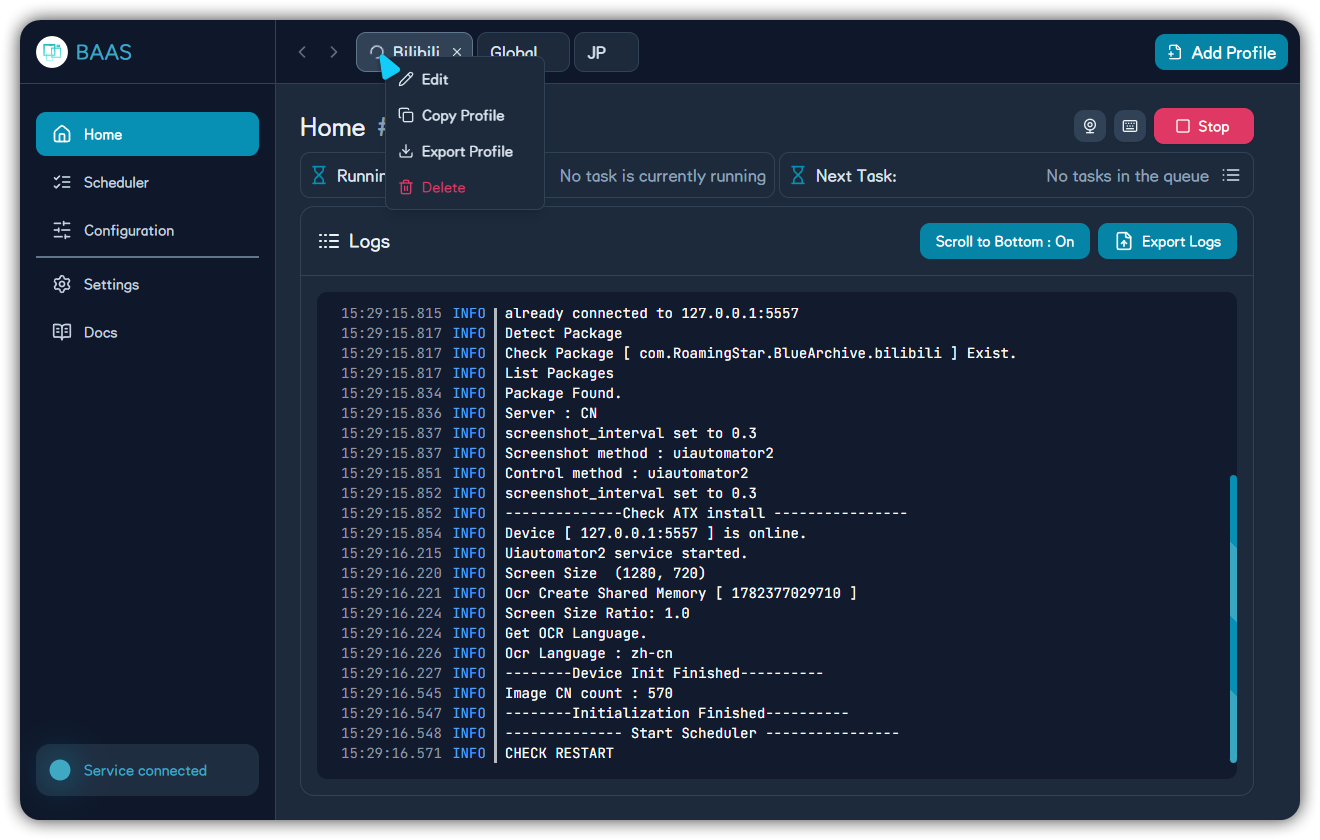
| Action | Purpose | Note |
|---|---|---|
| Edit | Rename the profile | Include server and emulator instance in the name |
| Copy profile | Create a similar profile | Recheck ADB port after copying |
| Export profile | Package the profile as .zip | Avoid publishing private configuration |
| Delete | Remove the profile | The last profile cannot be deleted |
Create and Import
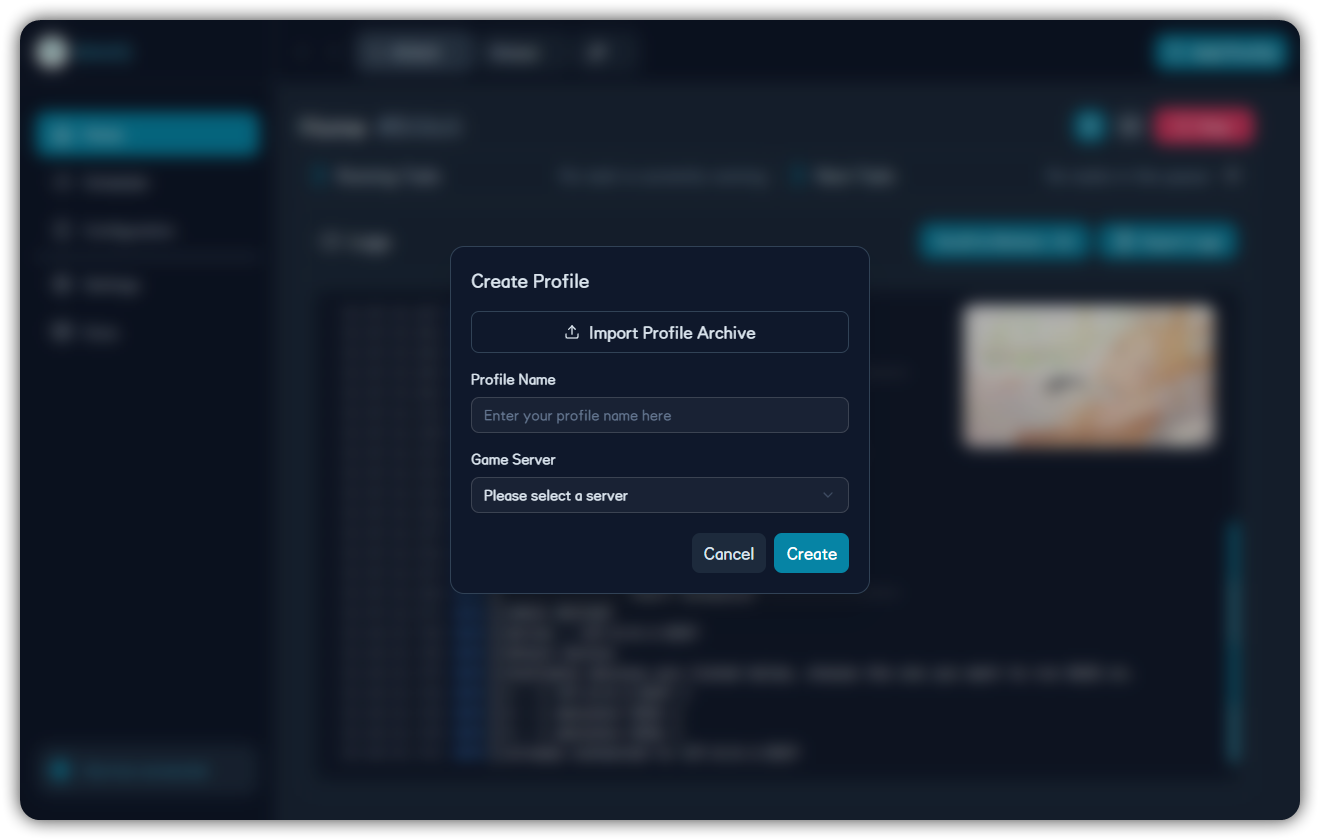
Use names such as Bilibili-MuMu-1, Global-LD-2, or JP-PC. Import requires the client to be connected and authenticated.
Create Profile
Create a profile with a name that clearly identifies the account, server, and emulator instance.
Select Server
Choose the server that matches the actual game client, so later tasks use the correct entry points and recognition assets.
Set ADB
Configure ADB IP, port, and emulator instance, then confirm that this profile connects to the correct device.
Configure Tasks
Open feature configuration and scheduler pages. Start with low-risk tasks, then gradually add sweeps, shop, and combat tasks.
Export Backup
After the profile is stable, export a .zip backup. Before migrating, reproducing issues, or sharing it, check whether it contains private information.