Feature Configuration
System Settings
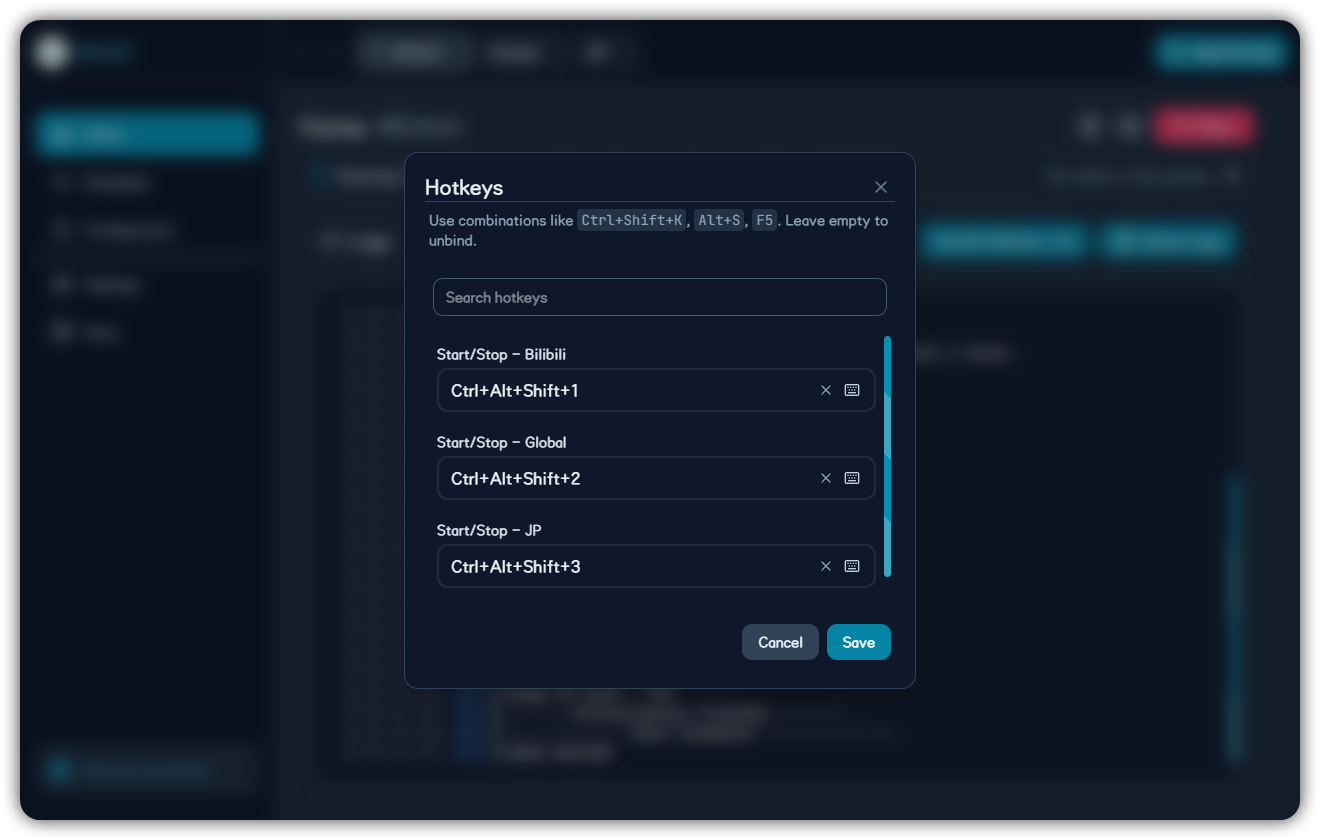
Theme, language, background, UI scale, remote display, low performance mode, and hotkeys.
System settings affect the Tauri client experience and do not directly change individual game task strategy.
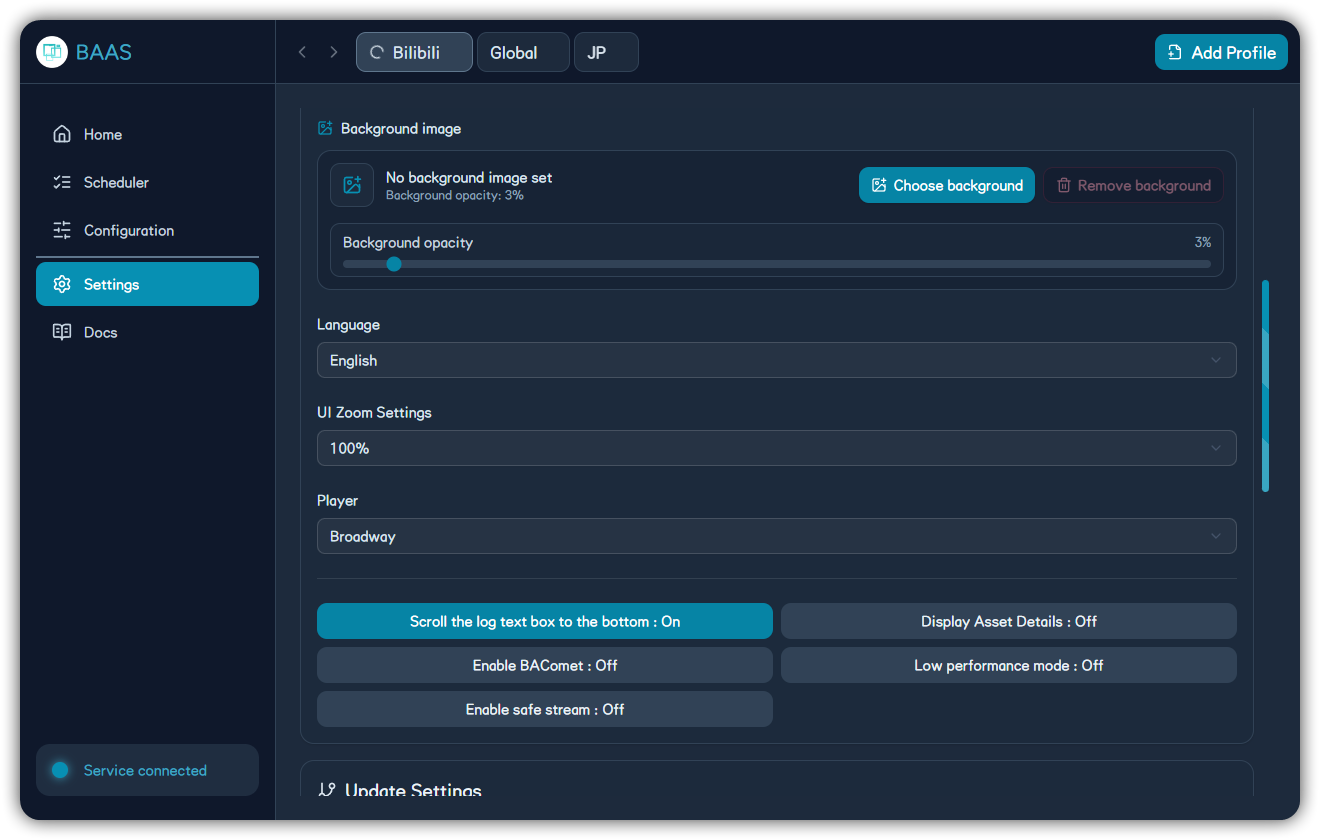
| Setting | Purpose |
|---|---|
| Theme / accent color | Adjust client appearance |
| Background / opacity | Personalize the window |
| Language | Switch app UI language |
| UI scale | Resize the interface |
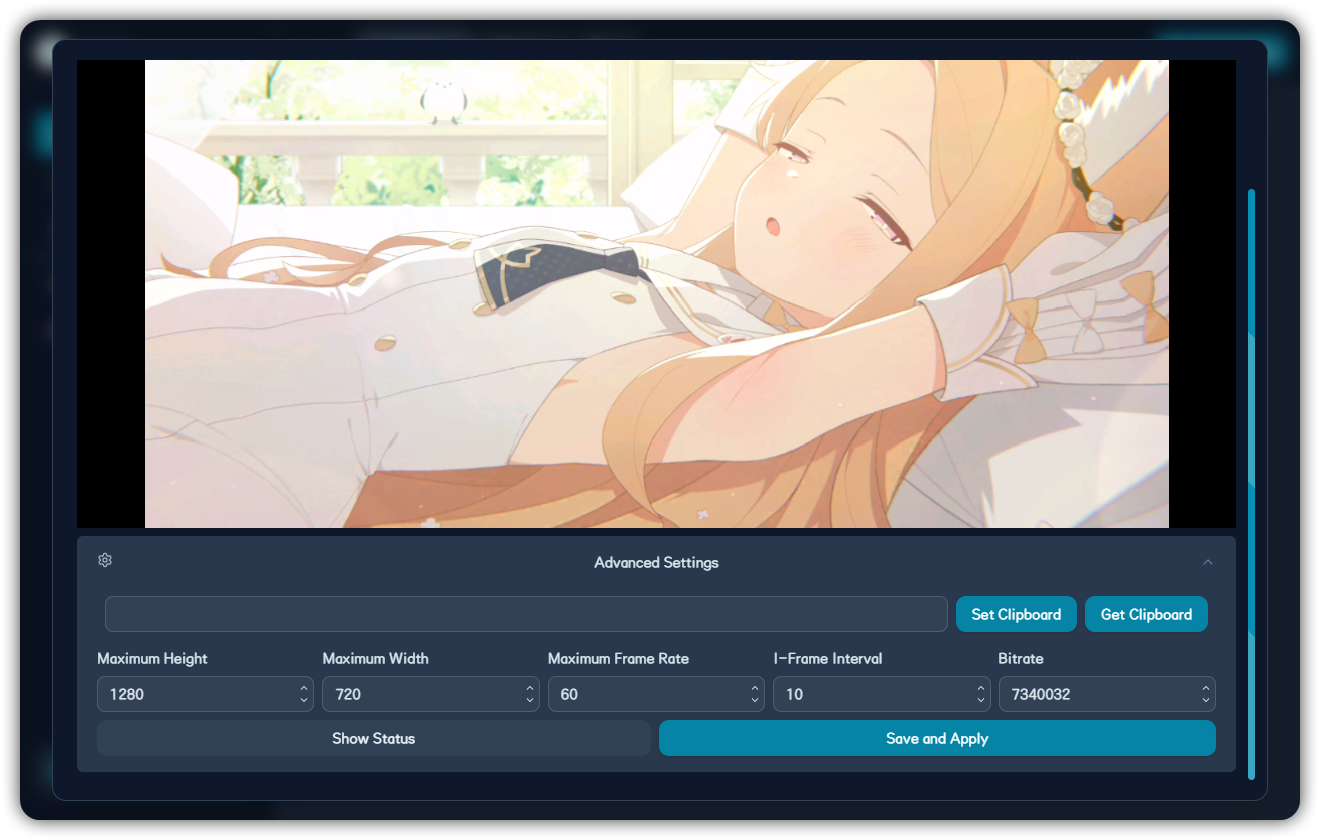
| Remote display decoder | Fix black screen, stutter, or compatibility issues |
| Low performance mode | Reduce animation and overhead |
Remote Display and Hotkeys